Admin Variables
Admin > Admin Variables defines variables for your whole Okteto instance. Okteto makes them available in every Okteto Manifest, with the $VARIABLE syntax, and in the environment where the commands of the deploy section run.
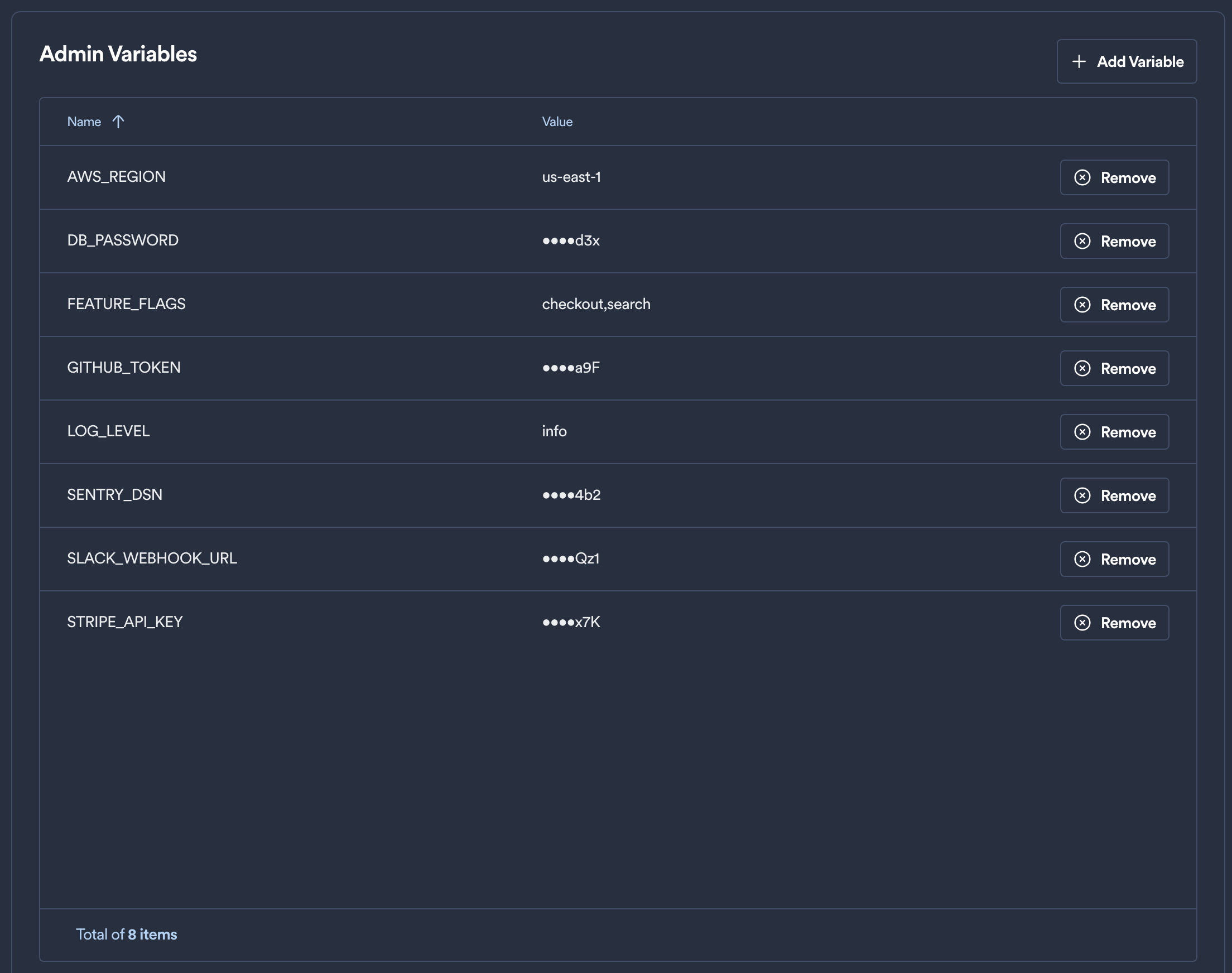
Click Add Variable to create one.
Okteto Variables explains the other kinds of variables, and which one wins when two of them have the same name.
Admin Variables in Builds
To use an Admin Variable in a Dockerfile, pass it as a build secret. For example, this Okteto Manifest mounts a local .env file as the my_env secret:
build:
  api:
    context: .
    secrets:
      my_env: .env
The .env file refers to the variable:
${MY_PASSWORD}
Okteto replaces $MY_PASSWORD with its value, from an Admin Variable or any other variable, before it mounts the file. The Dockerfile reads the secret like this:
RUN --mount=type=secret,id=my_env,target=/etc/secrets/.env cat /etc/secrets/.env