From private repositories
GitHub Private Repositories
Okteto integrates with GitHub and allows you to deploy any repository from any account or organization you grant permissions to. You can connect both personal repositories and those belonging to an organization in the same Okteto account.
Before you can connect your GitHub account, your Okteto administrator must enable the GitHub integration for your instance. If you don't see a deploy from GitHub option in the Deploy dialog, ask your admin to set up the GitHub integration.
Connect your GitHub account
This is a one-time setup. Once complete, Okteto will remember your GitHub permissions across sessions.
-
Log into your Okteto instance
-
Click on the "Deploy Dev Environment" button on the top
-
Make sure "GitHub" is the selected source
-
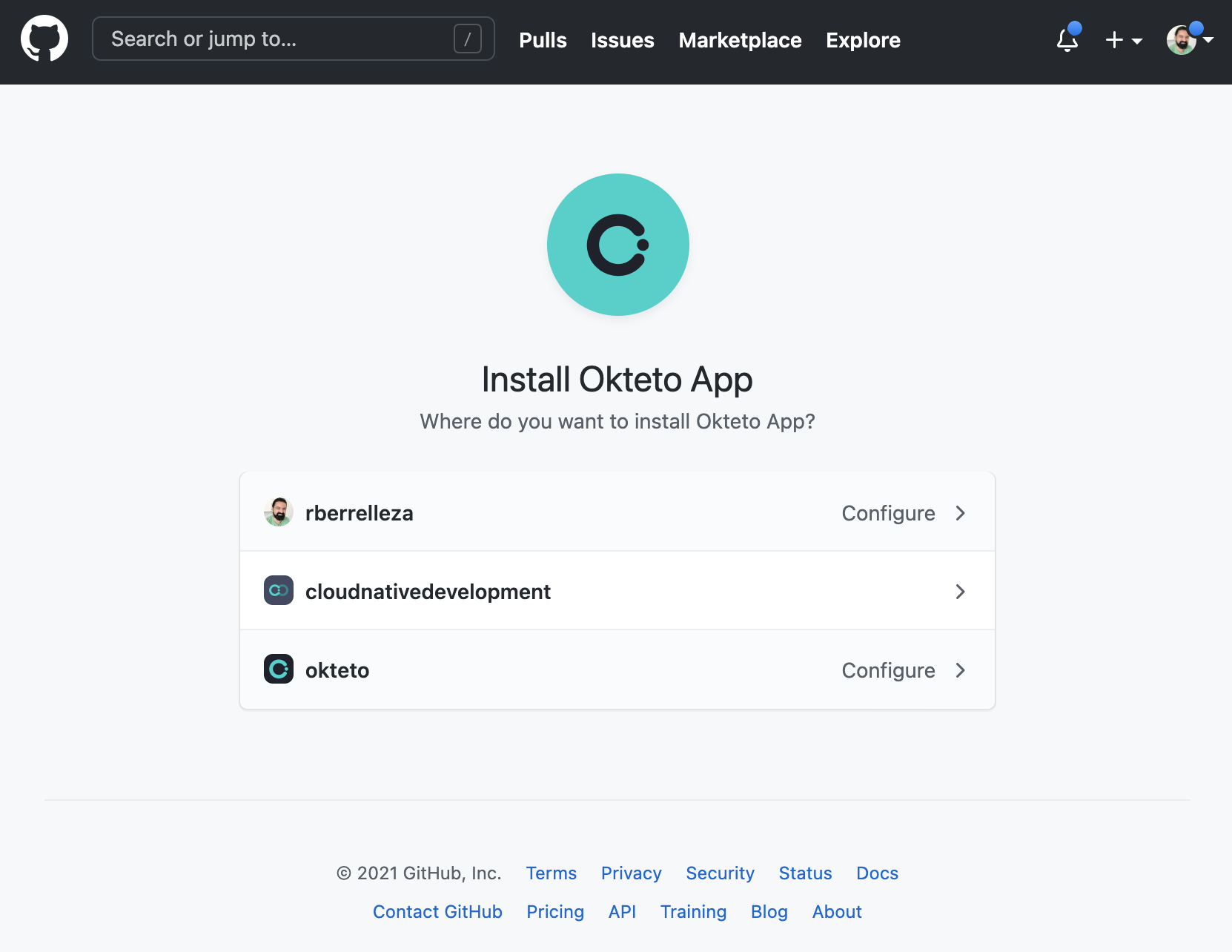
Click on the Configure GitHub or + Add repositories to open the authorization dialog from GitHub. GitHub will ask you to install the Okteto app in the accounts and organizations you select. Follow the instructions to grant permissions to your repositories.
-
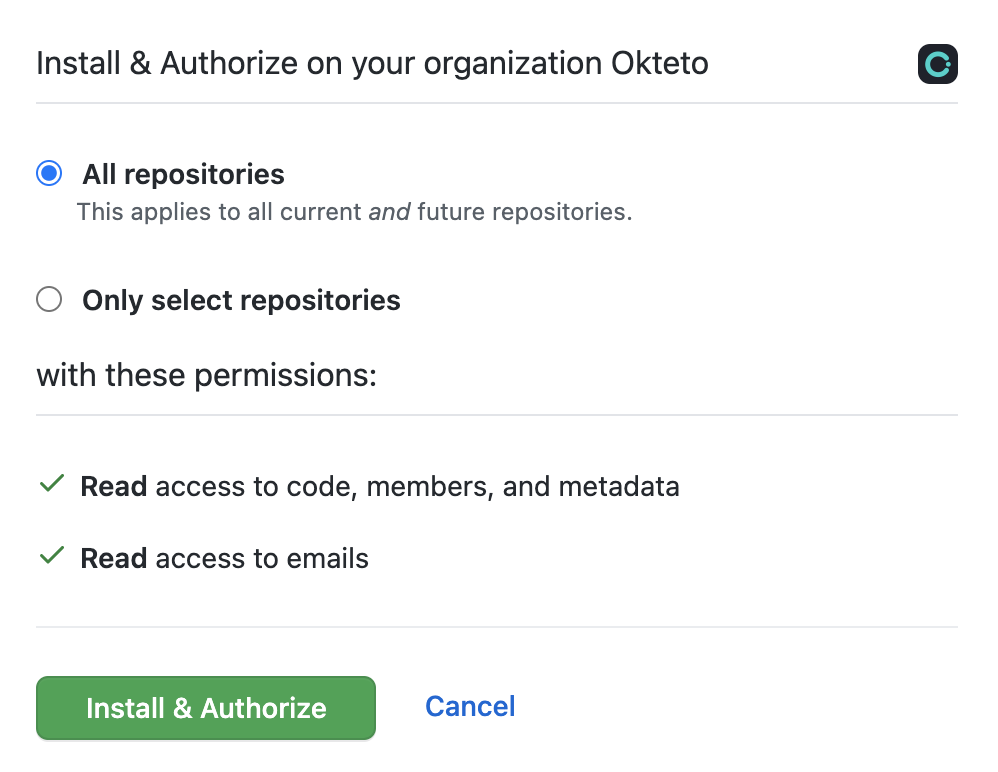
Finally click on the Install & Authorize button to proceed. If you're not the administrator of the organization, GitHub will send an email notification to your administrator and wait for their authorization to complete the installation and grant you access.
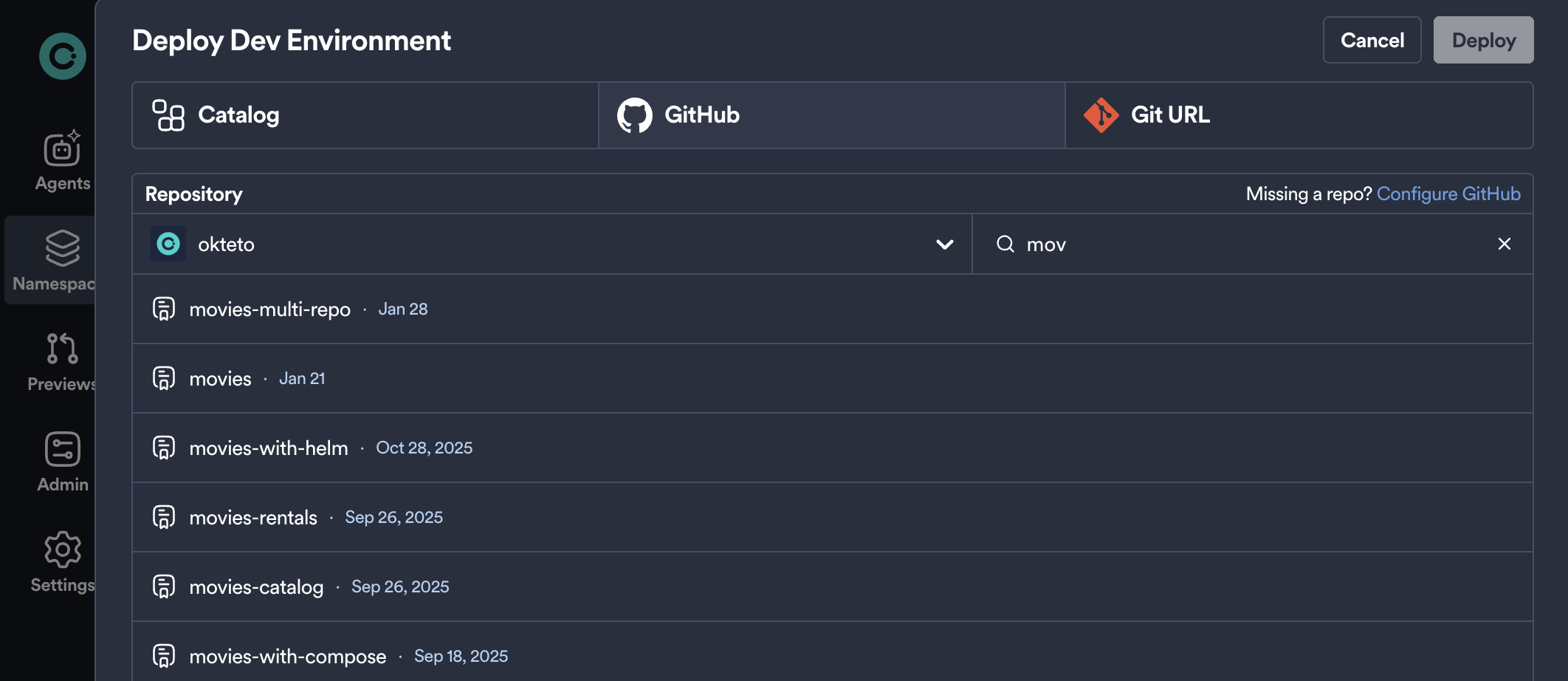
Once you or your administrator grants permission, Okteto will automatically list your private and public repositories in the Deploy dialog. Private repositories will be identified by a "lock" icon on right side.
Deploy from a Private GitHub Repository
After connecting your GitHub account, you'll be able to deploy from any of your public or private repositories using an Okteto Manifest.
Other Private Repositories
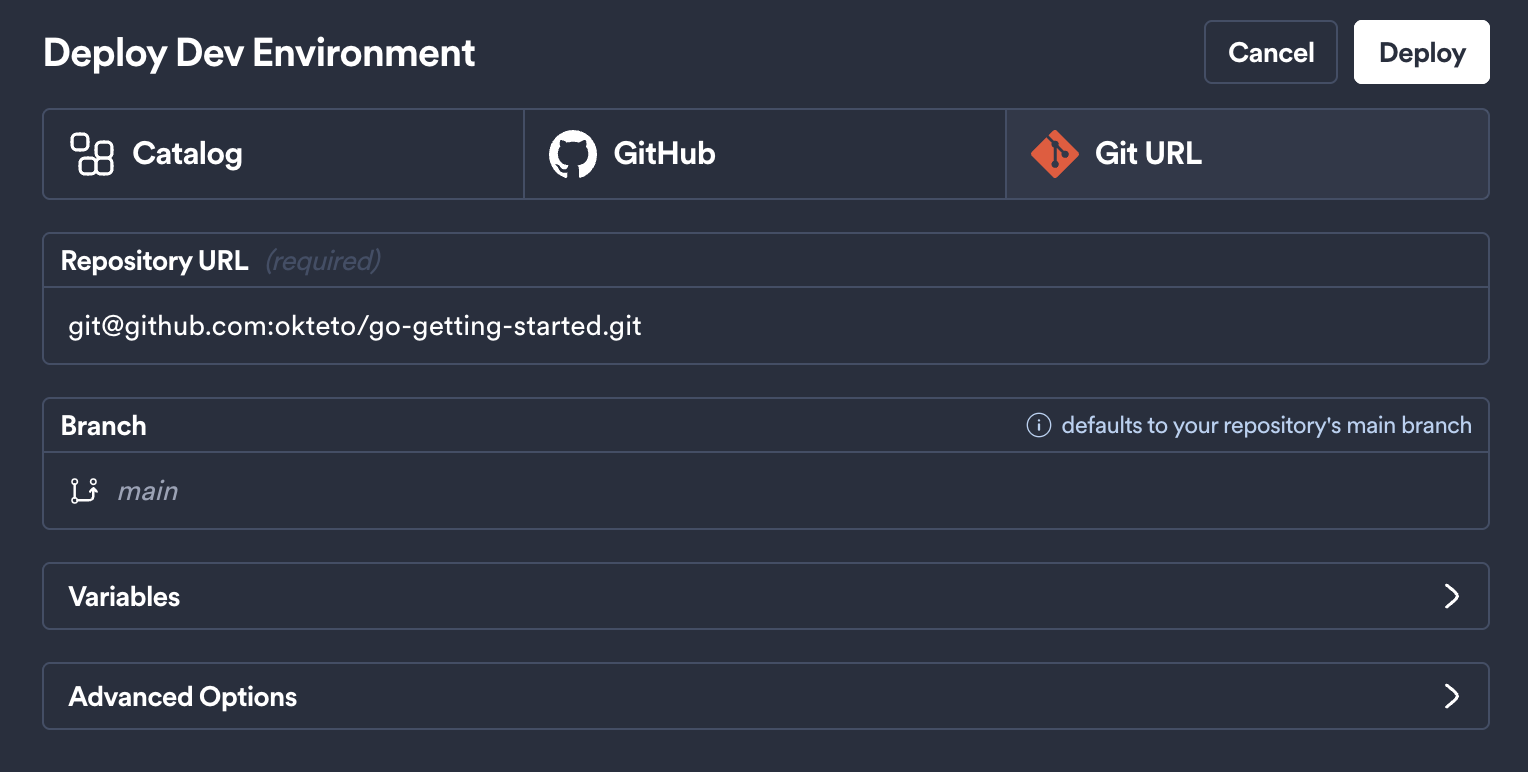
You can also use SSH authentication to deploy a private repository. To do this, use the SSH url of your git repository. This applies both when using the Deploy dialog in the Okteto UI and the okteto pipeline deploy command from your terminal.
This document has more information on how to configure access to the private repository in your source code provider.
Using SSH with any Git provider (GitHub, GitLab, Bitbucket, Azure DevOps, or self-hosted)? Your Okteto admin can centrally manage trusted hosts via SSH Known Hosts. This helps avoid host key verification failures during remote deploys and submodule operations.